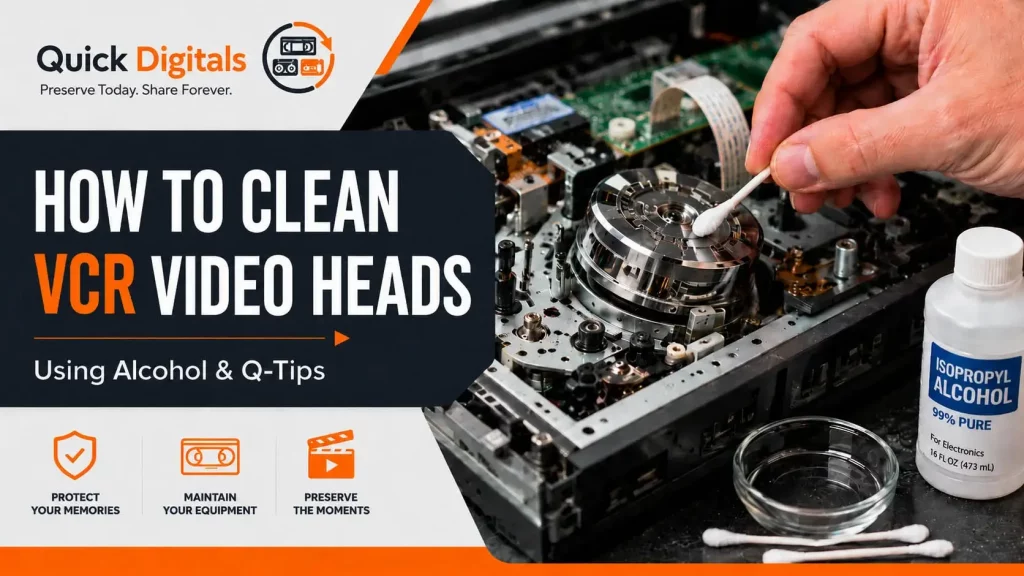
If you still use a VCR to play or digitize VHS tapes, keeping the video heads clean is extremely important. Dirty video heads can cause problems such as fuzzy picture, rolling video, horizontal lines, weak playback, dropouts, poor tracking, distorted images, or tapes that look worse than they actually are. But cleaning VCR video heads is also something that needs to be done carefully. The video heads inside a VCR are very delicate. If they are cleaned the wrong way, they can be permanently damaged. That is why it is important to understand the correct cleaning method before touching anything inside the machine.
Why VCR Video Heads Get Dirty
Every time a VHS tape plays, the tape moves across the inside of the VCR. Over time, dust, oxide, dirt, mold, tape residue, and tiny particles can build up on the video heads and other internal parts. This is especially common when playing older tapes that have been stored for many years. A tape may look fine from the outside, but once it starts playing, it can leave residue inside the VCR. Some tapes also shed more than others, especially if they have been stored in heat, humidity, garages, attics, basements, or poor conditions. When the video heads become dirty, the VCR may struggle to read the signal properly.Common Signs of Dirty VCR Heads
Dirty VCR video heads can cause several playback problems. Common signs include:- Snowy or fuzzy picture.
- Horizontal lines across the screen.
- Weak or unstable video.
- Dropouts during playback.
- Picture rolling or jumping.
- Tracking problems.
- Audio may play, but the video looks bad.
- The tape plays better in one VCR than another.
The Problem With Automatic VHS Head Cleaning Tapes
Many people try to clean a VCR by using an automatic VHS head cleaning tape. These can sometimes help with light dirt, but they are not always the best option. Some cleaning tapes are abrasive, and repeated use can create unnecessary wear on the video heads. They also do not let you see what is actually dirty inside the machine. For a VCR used for important tape playback or digitizing, manual cleaning is often the better approach when done correctly.Why Some Cleaning Tools Can Be Risky
A lot of common advice says to use foam swabs or chamois-tipped swabs for cleaning VCR heads. But these tools can create their own problems. Foam swabs can sometimes snag on the tiny metal head tips or delicate gaps in the video head drum. If the foam catches the wrong way, it can damage the head. Chamois-tipped swabs can also be risky depending on how they are made. Some are glued onto the handle, and when alcohol touches the glue, it can loosen or transfer residue. That residue can end up on the video head, which is the opposite of what you want. Because of this, many experienced tape transfer technicians prefer using high-quality cotton Q-tips with the correct technique. The important part is not just the tool. It is the motion, pressure, and care used during cleaning.Can You Clean VCR Heads With Alcohol and Q-Tips?
Yes, VCR heads can be cleaned with isopropyl alcohol and Q-tips, but they must be used correctly. The safest approach is to use high-quality cotton Q-tips and 90% to 99% isopropyl alcohol. The Q-tip should be damp, not dripping wet. Too much alcohol can run into places where it does not belong. The goal is to gently clean the video head drum without forcing cotton into the head gaps and without scrubbing in the wrong direction.Important Warning Before Cleaning
Before cleaning a VCR, make sure the VCR is unplugged. The video heads are fragile. If you press too hard, scrub the wrong way, or catch the head tip, you can permanently damage the machine. Never scrub up and down on the video head drum. Never force a Q-tip into the small gaps on the drum. Never use a rough motion. The correct method is gentle contact while rotating the drum by hand.How to Clean VCR Video Heads With Alcohol and Q-Tips
Here is the basic manual cleaning method:- Unplug the VCR.
- Remove the top cover so you can access the tape path.
- Find the shiny round metal cylinder. This is the video head drum.
- Lightly dampen a high-quality cotton Q-tip with 90% to 99% isopropyl alcohol.
- Gently place the Q-tip against the side of the video head drum.
- Hold the Q-tip steady with very light pressure.
- Slowly rotate the drum by hand.
- Do not move the Q-tip up and down.
- Do not push the Q-tip into the head gaps.
- Use a fresh Q-tip as soon as it shows dirt.
- Let the VCR dry completely before inserting a tape.
Clean the Rest of the Tape Path Too
The video heads are only one part of the VCR. The tape also touches several other parts while it plays. These parts can collect dirt and residue as well. You can also clean:- Tape guides.
- Metal posts.
- Audio/control head.
- Capstan shaft.
- Stationary tape path components.
Be Careful With the Pinch Roller
The pinch roller is the black rubber wheel that helps pull the tape through the machine. Rubber parts should be treated differently than metal parts. Do not soak the pinch roller with alcohol. Alcohol can dry out rubber over time and may make old rubber worse. If the pinch roller is dirty, clean it very gently. A rubber cleaner is best. If you do not have one, use minimal moisture and avoid soaking it. A dirty or worn pinch roller can cause tape speed problems, tape chewing, unstable playback, or poor tracking.Use the Right Alcohol
For VCR cleaning, use high-percentage isopropyl alcohol. A good choice is:- 90% isopropyl alcohol.
- 91% isopropyl alcohol.
- 99% isopropyl alcohol.